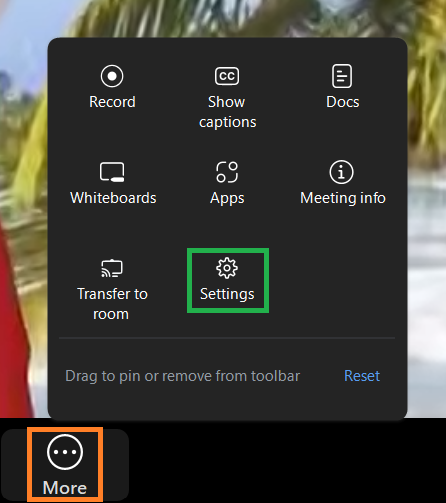
The Settings button can be found in the More menu on the Zoom Meeting Controls toolbar.
Clicking the Settings icon opens the Settings menu.
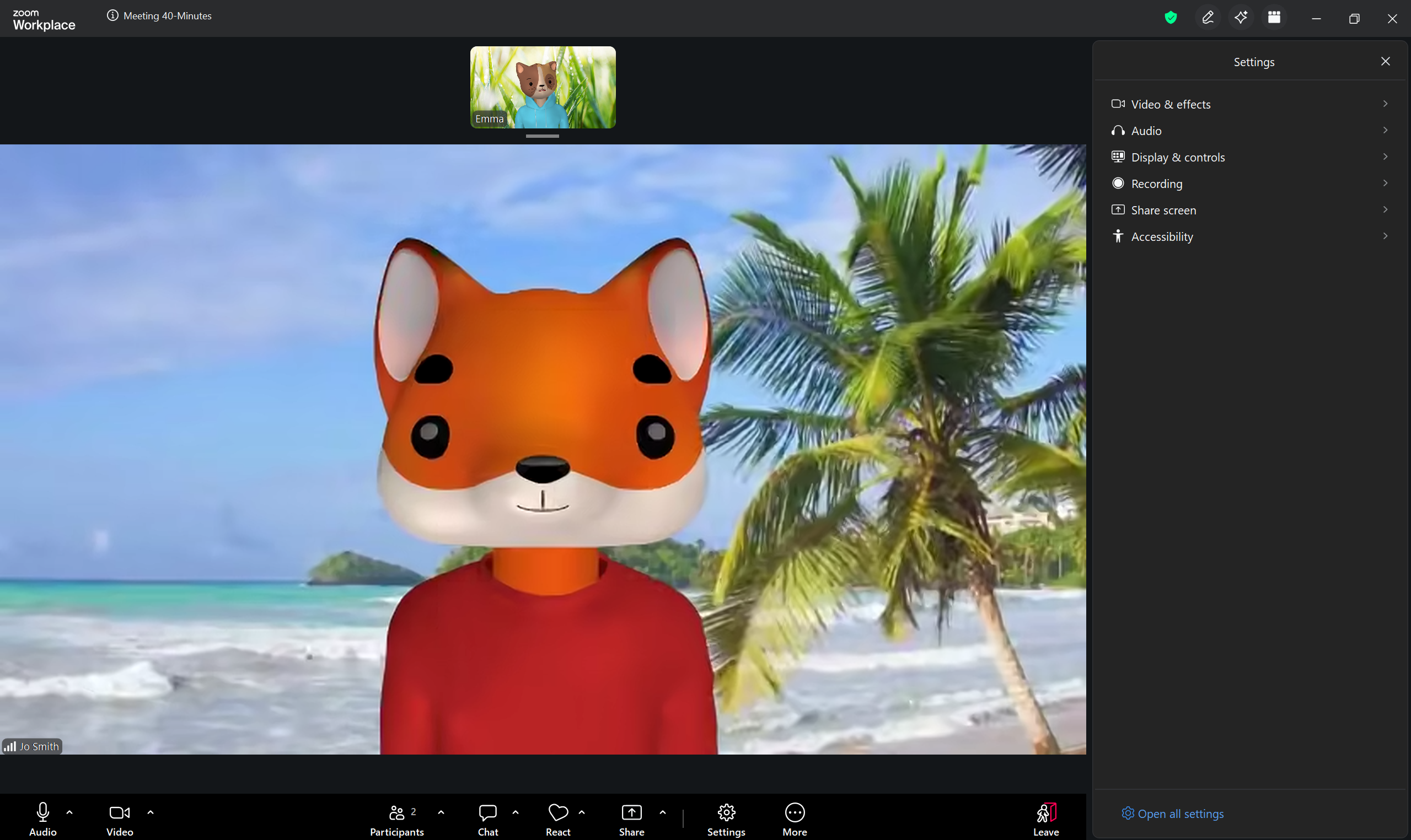
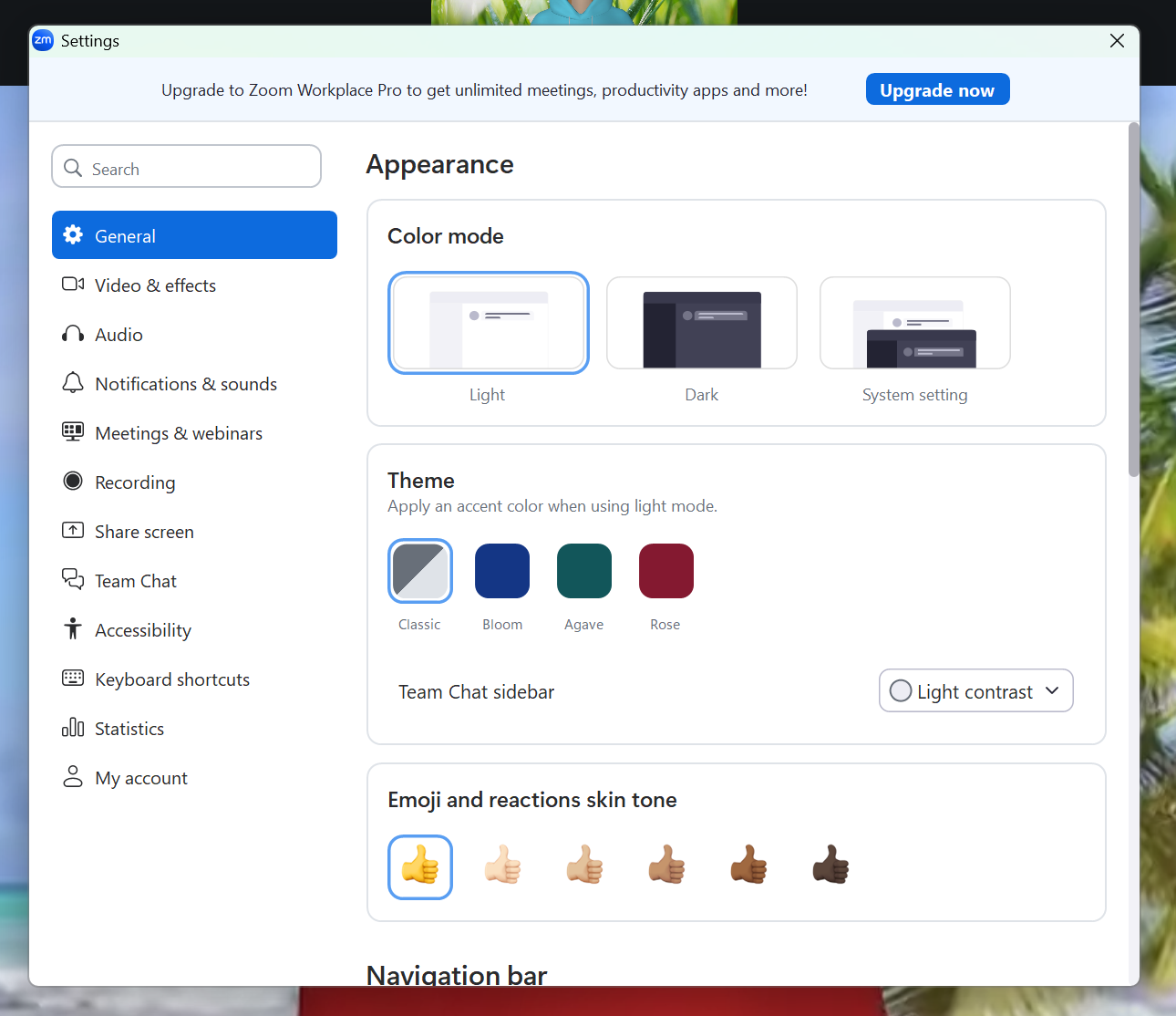
From here you can select from a variety of sub-menus. If you click Open all settings (at the bottom of the menu), you will open the full Settings menu.