On the right of the Zoom Meeting Controls toolbar is the Leave button.

Click the Leave icon to exit the meeting.
When you click the Leave icon, Zoom will give you the option to Leave the meeting, give feedback, or cancel leaving.
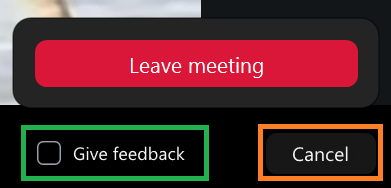
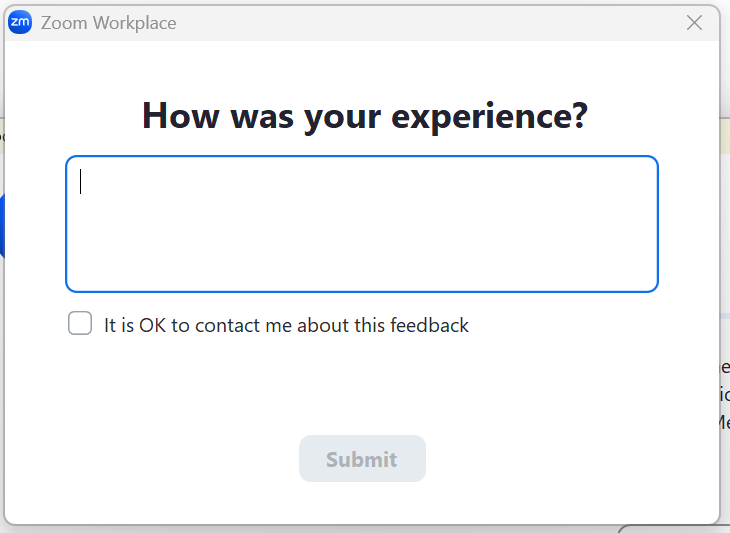
If you check the feedback box before clicking Leave meeting, a pop-up will appear after the meeting has closed. Enter your comments and click Submit.