
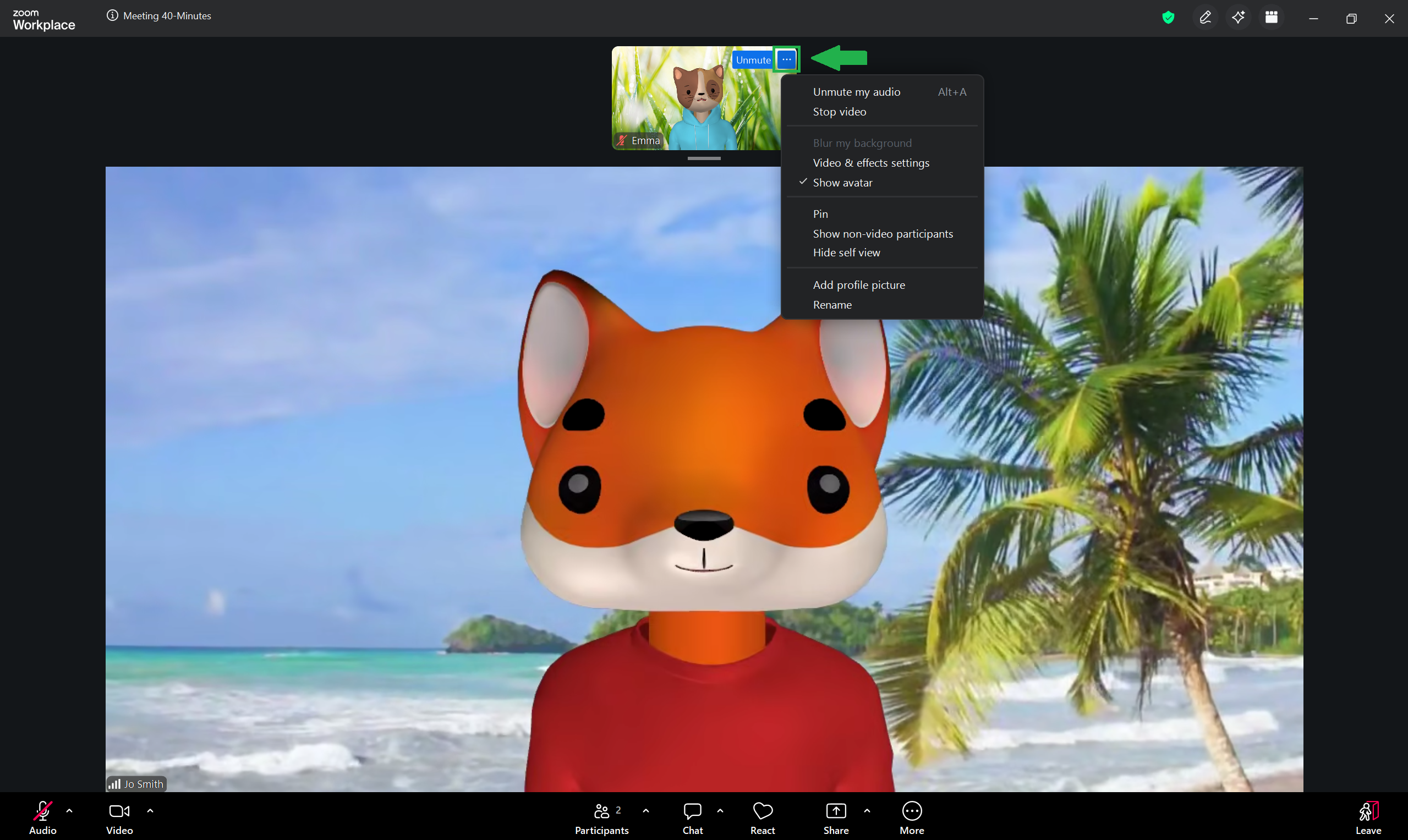
Clicking the ellipses icon (…) located in the top-right corner of your self-view opens up a menu with various options.
To close the menu, click the ellipses icon again, or click anywhere outside of the menu.
Most of these settings can also be accessed from other places in the meeting screen.
The following lessons in this section will take you through each option in this menu.