
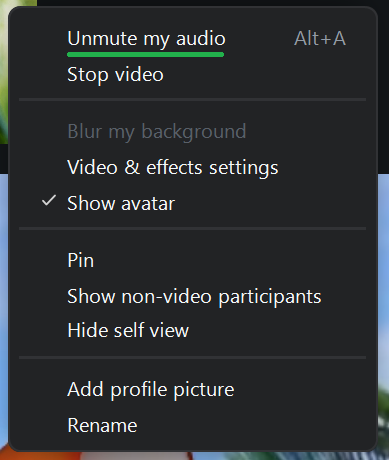
Muting and unmuting audio is the first option in the meeting settings menu. The label of this option reflects your current audio status.
If you are currently muted the option will read Unmute my audio. Click to unmute your microphone.
If you are currently unmuted, the option will read Mute my audio. Click to mute your microphone.
You can also mute and unmute your audio can using the Meeting Controls Toolbar. Please see the Audio lesson in the Zoom Menu section to find out how.