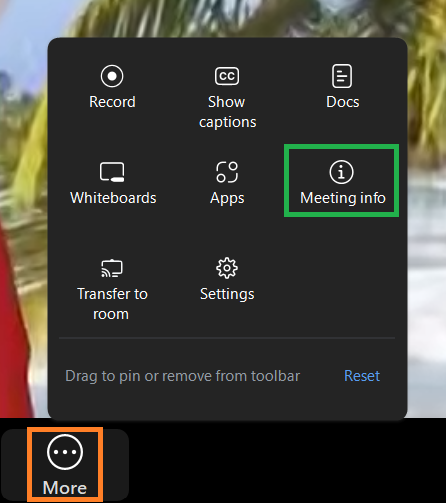
The Meeting info button can be found in the More menu on the Zoom Meeting Controls toolbar.
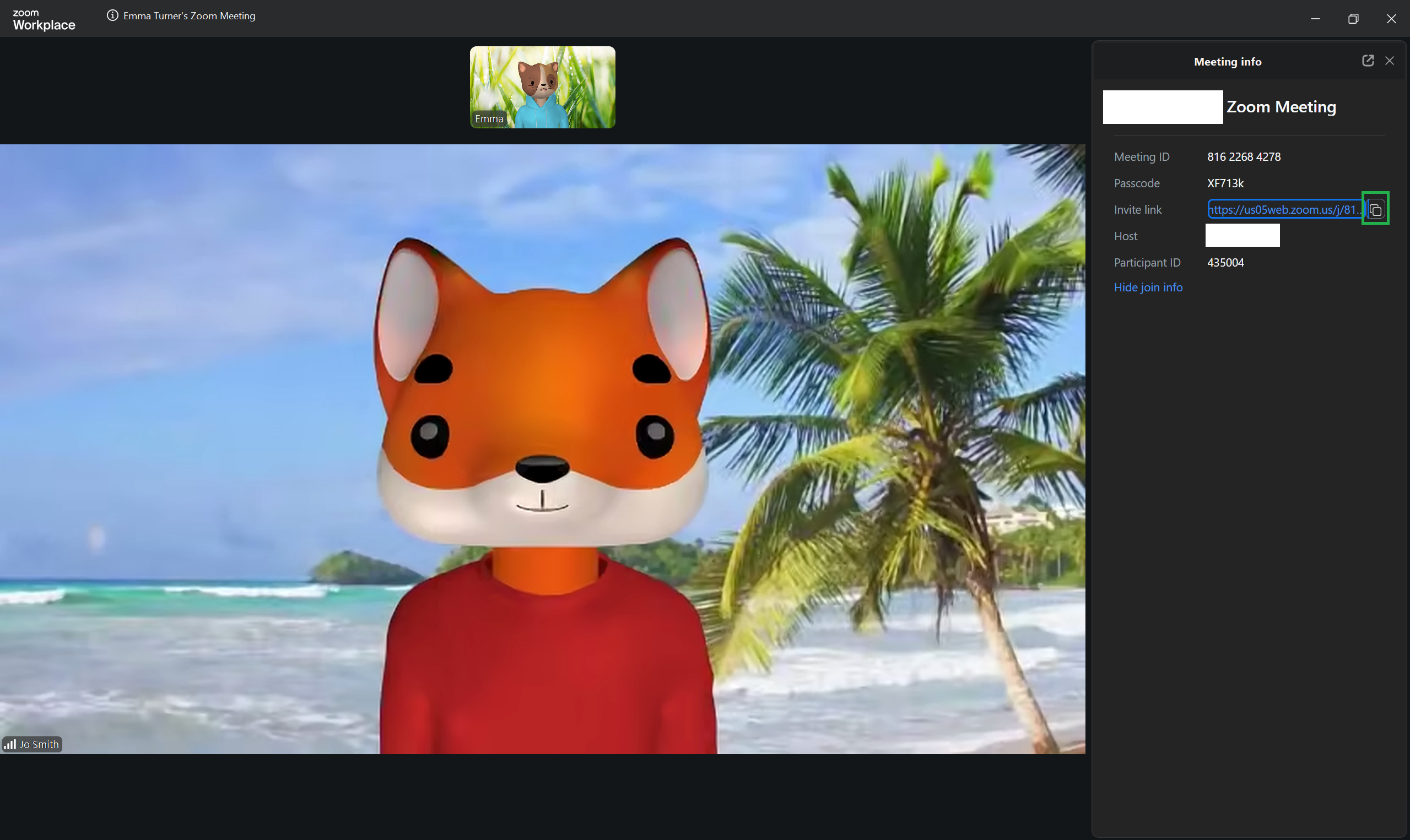
Click the Meeting info icon to view key details about the meeting, including the meeting ID, passcode, and the name of the host.
From this panel, you can also copy the meeting invite link to share it with participants who may need it.