
The Apps button can be found in the More menu on the Zoom Meeting Controls toolbar.
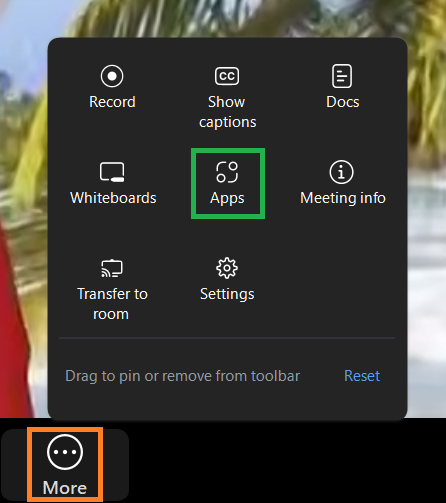
Clicking the Apps icon opens up the Apps menu. From here, you can browse, search for, and launch apps to enhance your Zoom meetings. Apps you already have installed appear in the My apps section.
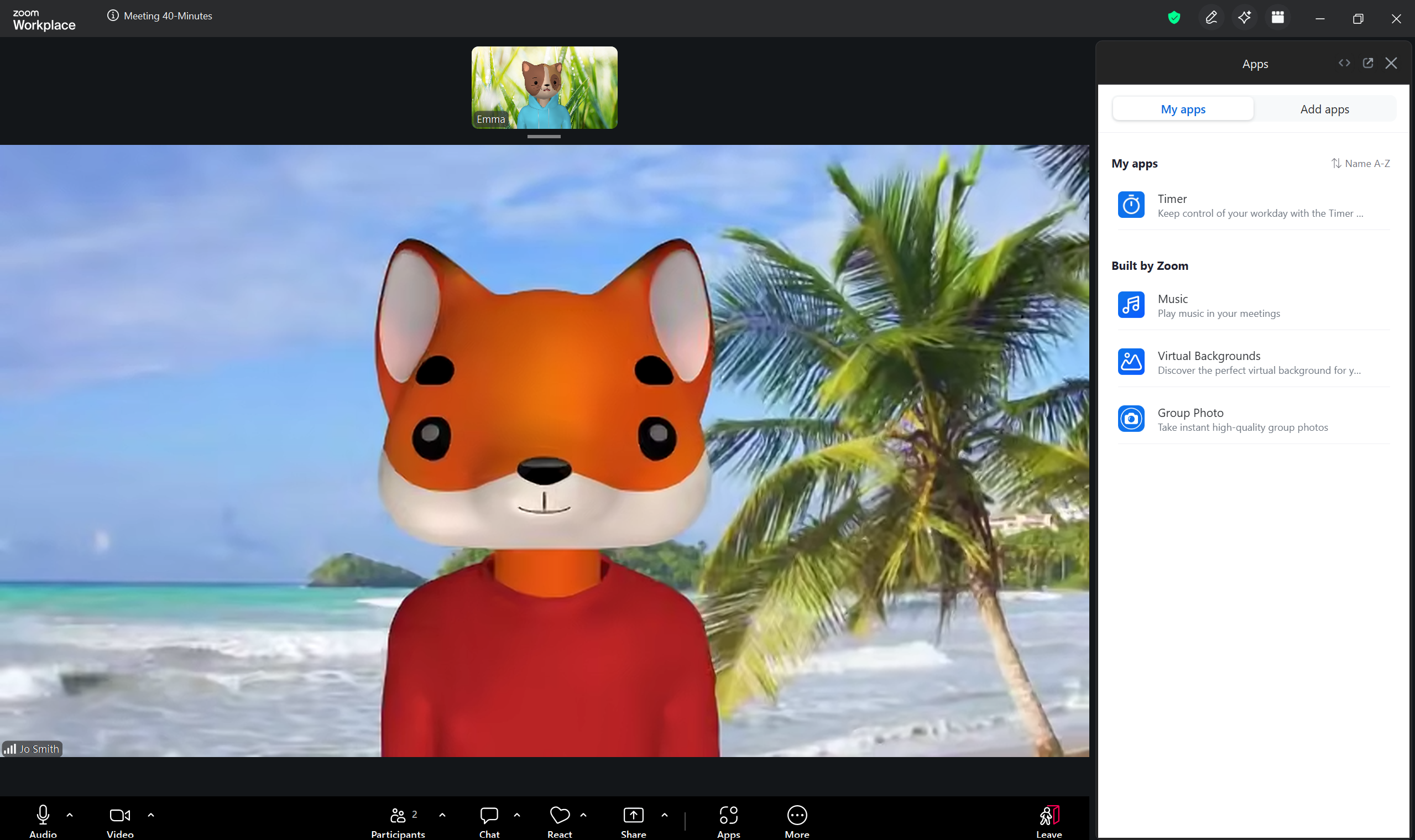
By default, Zoom provides access to several built-in apps, including Timer, Music, Virtual Background and Group Photo.
You can add more by navigating to the Add apps tab of the Apps menu.
Please note that apps found through the search function are not necessarily created by Zoom. However, all available apps have been reviewed and approved by the Zoom team before being listed.