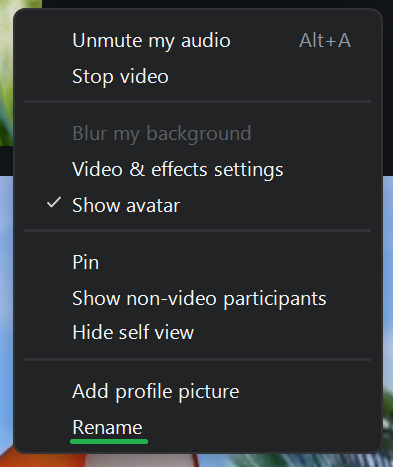
Add or Edit Your Profile Picture
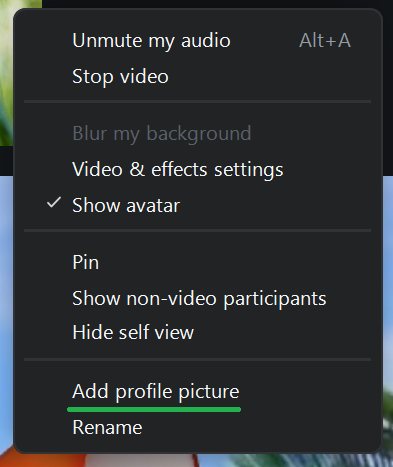
Selecting Add profile picture allows you to upload an image to use as your profile picture. If you already have a profile picture, the option will appear as Edit profile picture.
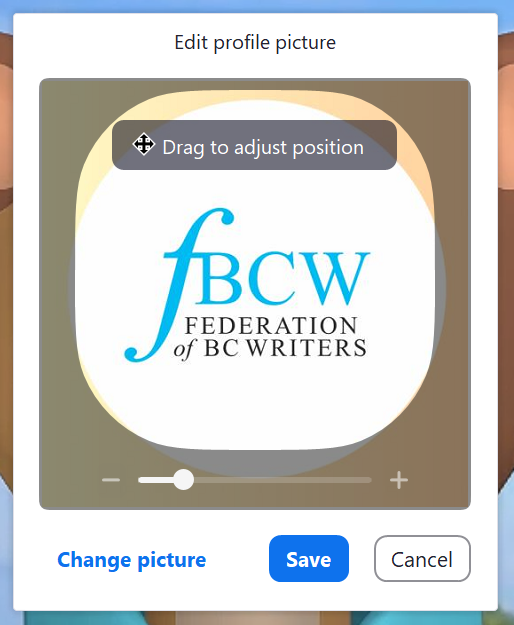
Once you have selected a profile picture, you can move around the highlighted area and zoom in or out using the + and – buttons. Click Save to use the picture.
Rename
Selecting Rename allows you to change the name displayed to other meeting participants.