The Whiteboards button can be found in the More menu on the Zoom Meeting Controls toolbar. Zoom whiteboards allow participants to collaboratively capture ideas, and visually organize information during a meeting.
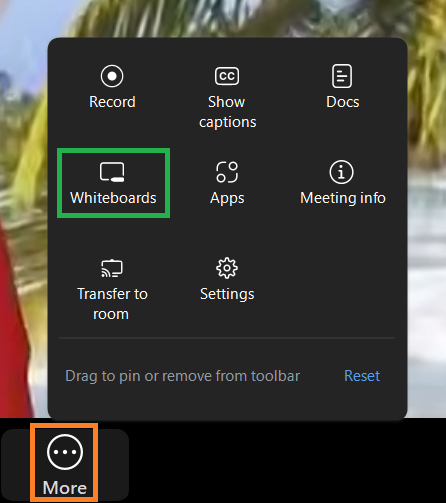
Clicking the Whiteboards icon allows you to choose between opening a new whiteboard or an existing whiteboard.
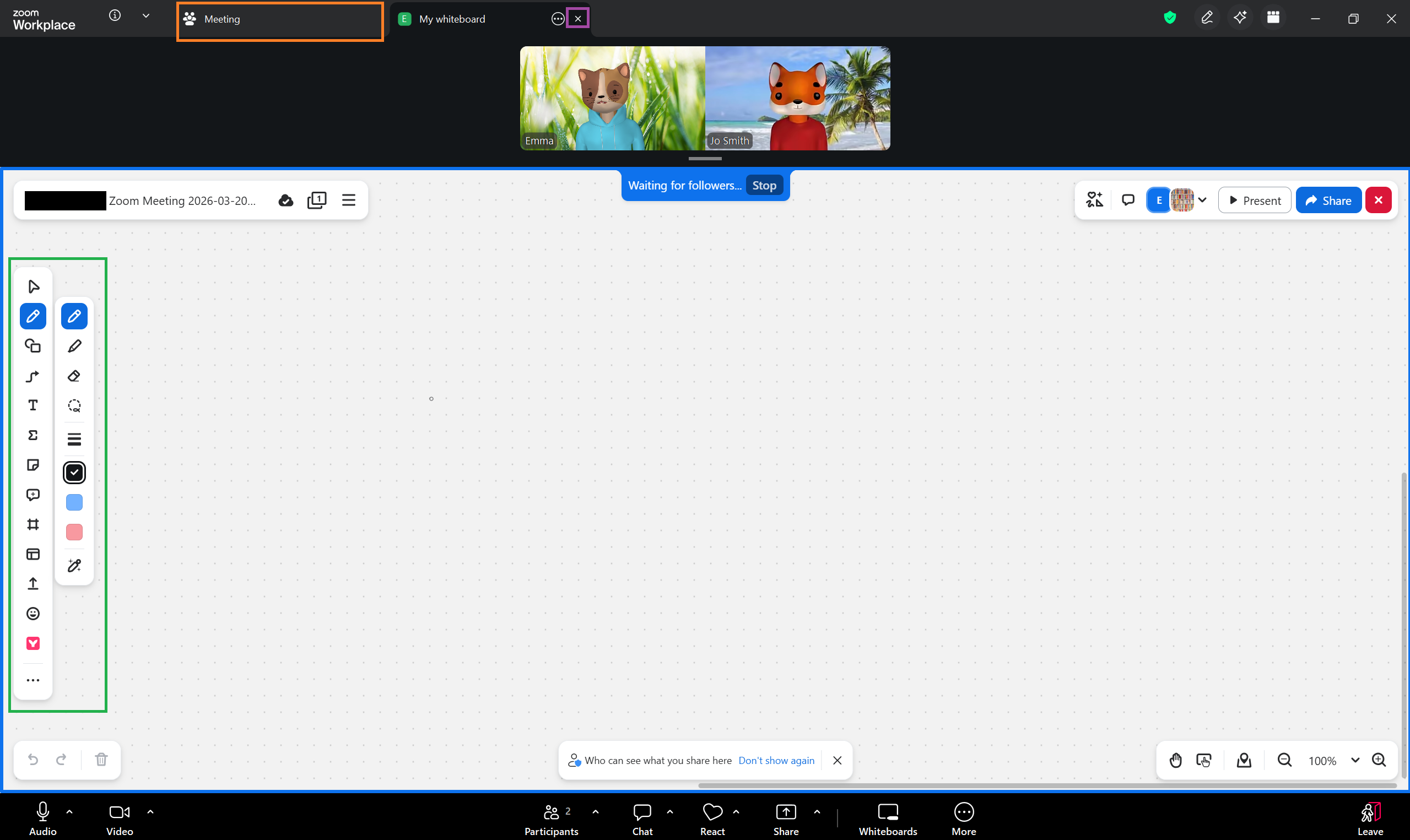
Once the whiteboard is open, various tools can be found along the left side of the screen. Return to the meeting by clicking the Meeting tab along the top of the screen. Close the whiteboard completely by clicking the X next to the Whiteboard tab.