
From the Screen Share menu, you can choose to share your entire screen or a specific application window.
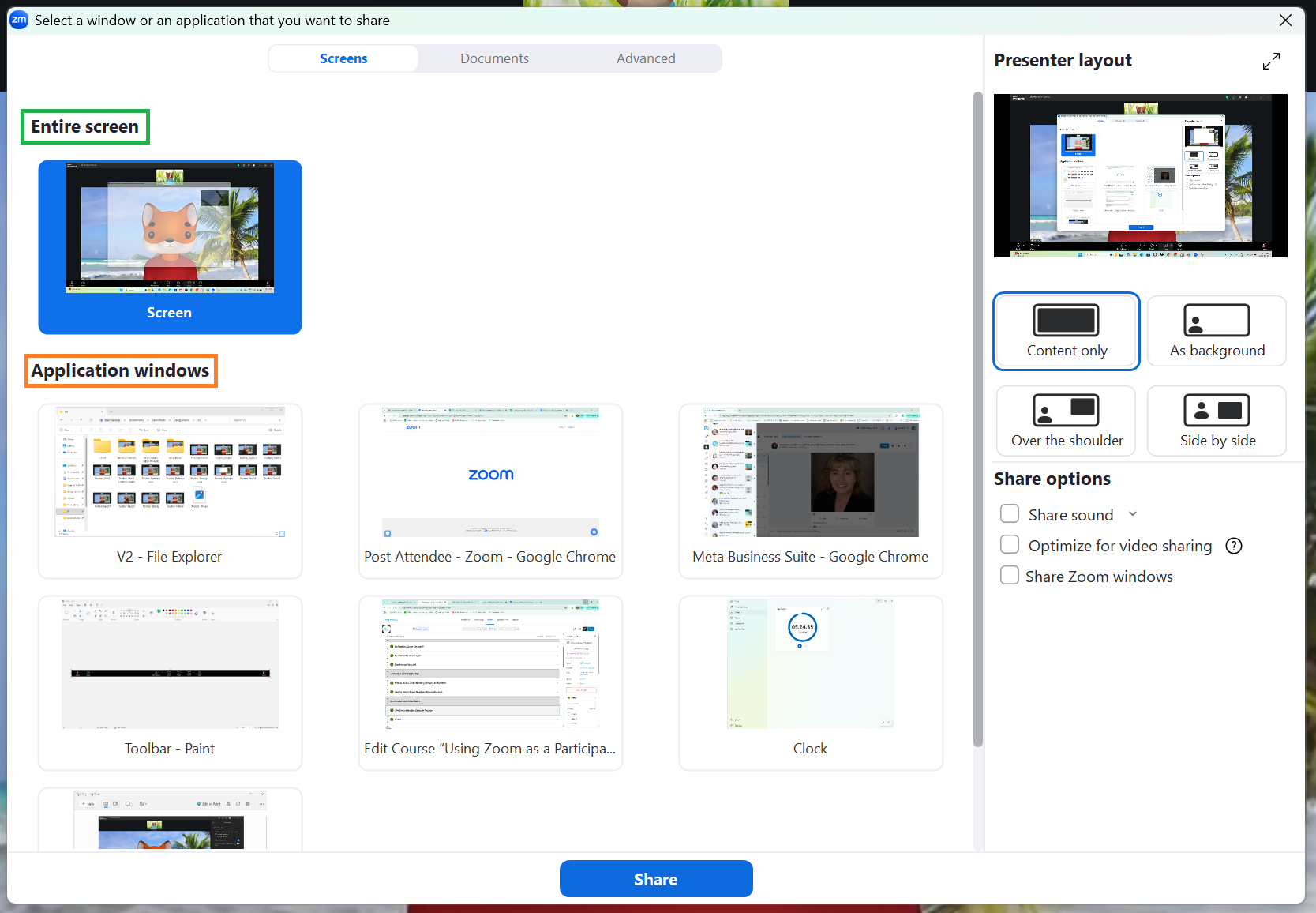
By sharing your entire screen, all your applications and desktop will be viewable by participants, so be sure you do not have any windows or applications open which contain private or sensitive information. Participants will view everything you do as you move between tabs and applications.
If you select a specific application or window, participants will only see the contents of that application or window. If you navigate to a different window, participants will still only be able to see the window you chose to share.
If you are sharing your screen to display a video from a streaming website (such as YouTube), select the option to Optimize for video sharing (found in Share options on the right of the menu). Deselect this option once you have finished sharing the video.
Applications must be open in order to appear in the Screen Share menu. For example, to share a Powerpoint presentation, it must be open in a Powerpoint window before it can be selected.