
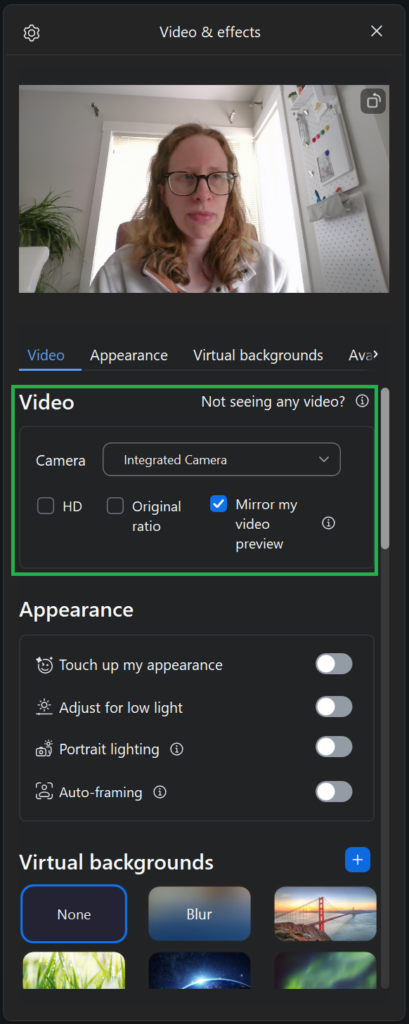
Under the Video section of the Video and Effects menu are some basic video options.
If you have more than one camera, you can choose which one you would like to use during the meeting.
You can also enable HD video. This uses a higher amount of CPU and bandwidth, so it may create network or performance issues. If this is the case, you may wish to keep HD disabled.
Checking Original ratio will keep the original ratio of your video display.
You can also choose to mirror your video display. This affects how you see your video preview only and is useful if your camera flips your video by default.