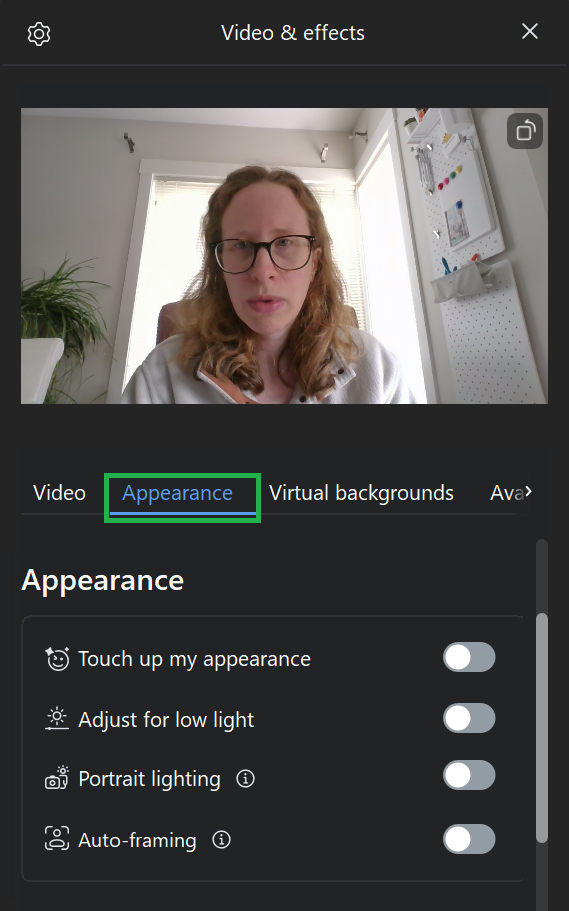
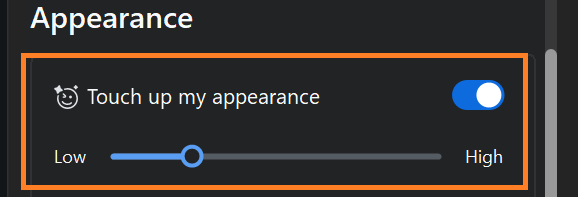
Appearance tools can be found under the Video and Effects menu. You can toggle them on (the toggle will be blue) and off (the toggle will be grey).
You can view the changes you are making in the video preview at the top of the menu.
Once toggled on, the Touch up my appearance option will show you a slider to adjust the level of the effect.
Adjust for low light brightens your video, which is useful if you are in a dark environment.
Portrait lighting dims your background while brightening you, which makes you stand out more on the video.
Auto-framing automatically adjusts your camera view to keep you centered.
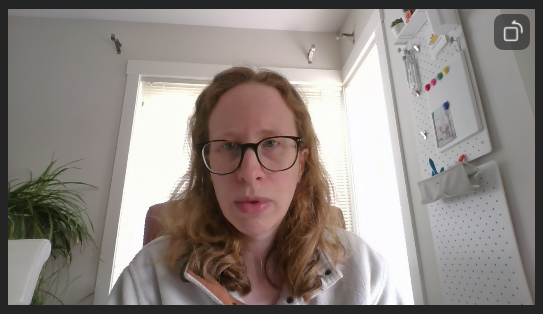
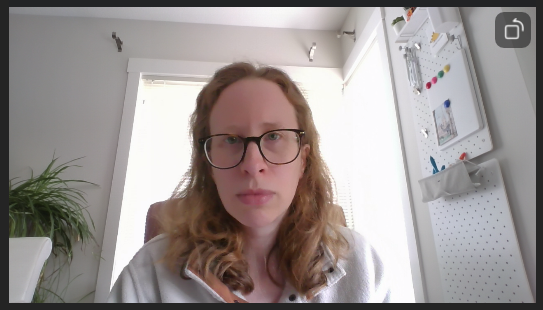
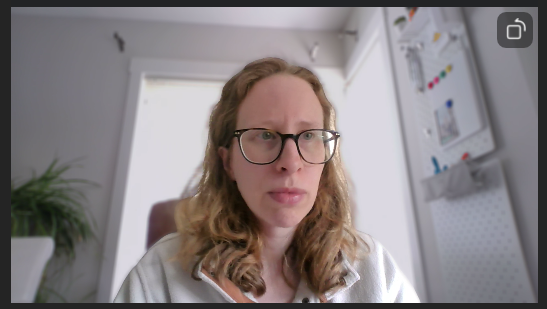
Examples of Appearance effects: