
Click the More icon to open a menu of additional tools and features.

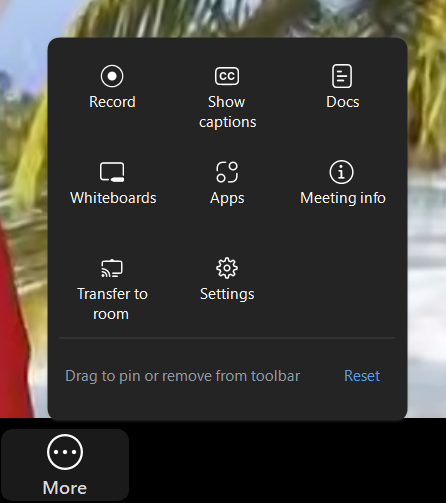
The more menu is very customizable. Each icon found within the menu can be added to the toolbar. Likewise, all the icons that are on the toolbar by default can be placed in the More menu.
Move icons around by clicking and dragging them:
Clicking Reset in the More menu will restore your Zoom Meeting Controls toolbar to the default appearance.
The following lessons in this section will cover each icon in the More menu.