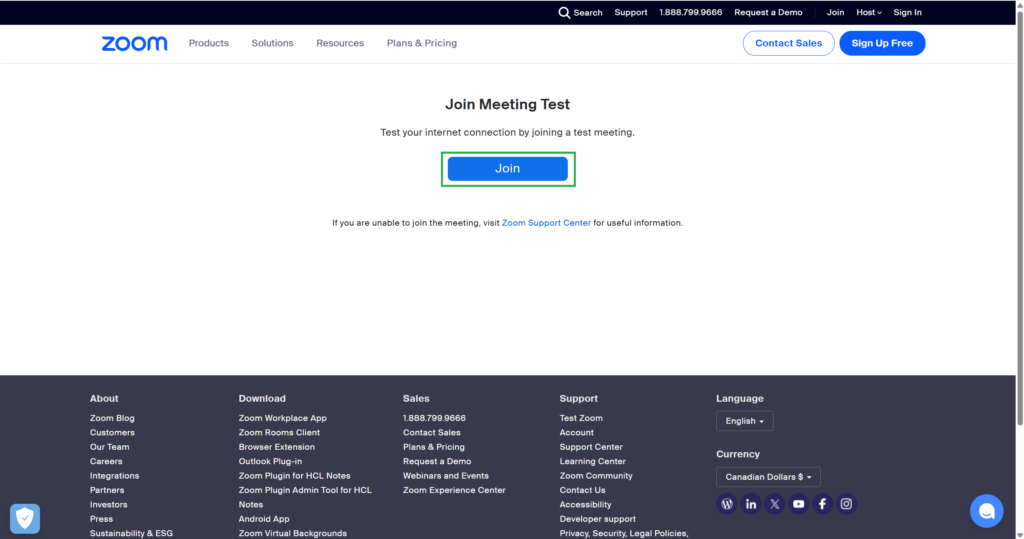
Visit https://zoom.us/test and click Join to familiarize yourself with some of Zoom’s basic features.
You will be the only participant in a test meeting.
Please note that not all features are available in a test meeting. For example, screen sharing is disabled.
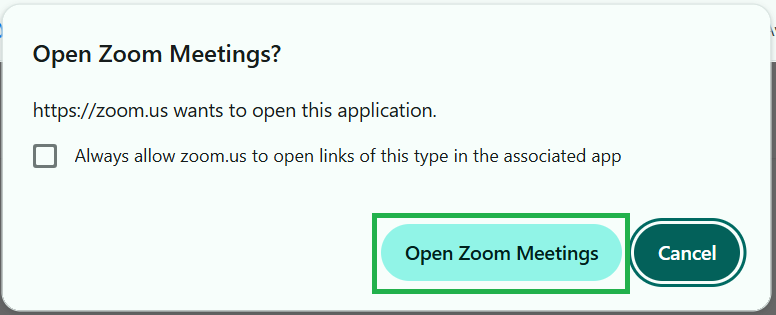
You may see a pop-up asking whether you want to open the Zoom meeting. Click Open Zoom Meetings to continue.
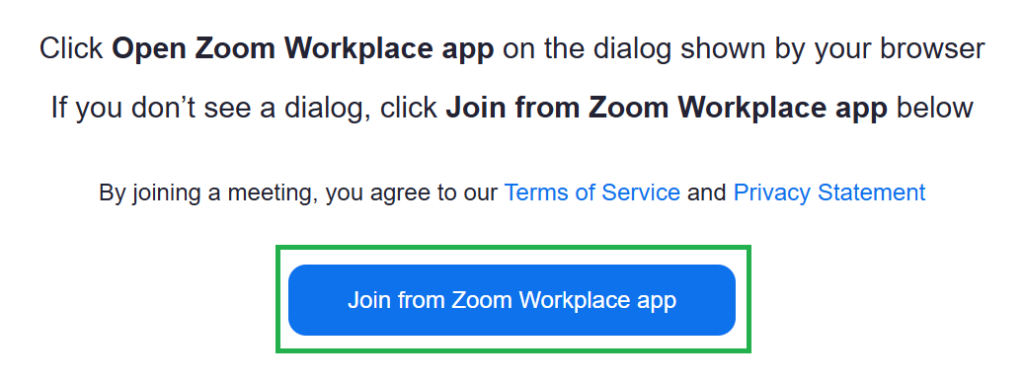
If the pop-up does not appear (or you clicked Cancel) and the test meeting does not open automatically, click Join from Zoom Workplace app. The pop-up should appear.