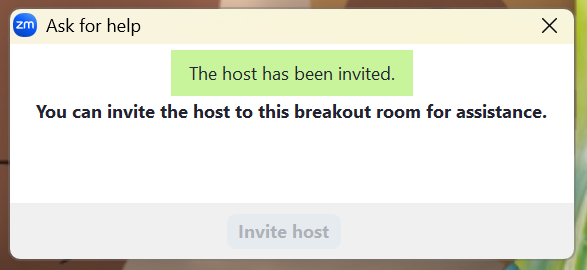
When a participant asks for help, the meeting host will be notified and prompted to join the relevant breakout room.
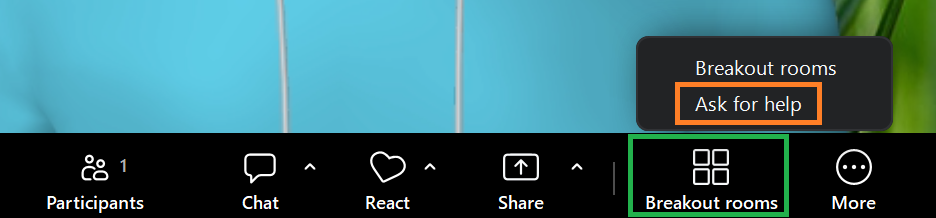
To request assistance while in a breakout room, click the Breakout rooms icon (this will be in the More menu if it is not already on the toolbar) and select Ask for Help.
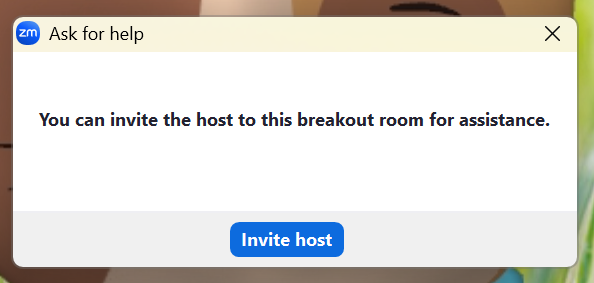
When prompted, confirm your request by clicking Invite Host.
The pop-up will inform you that the meeting host has been notified and prompted to join your room.