
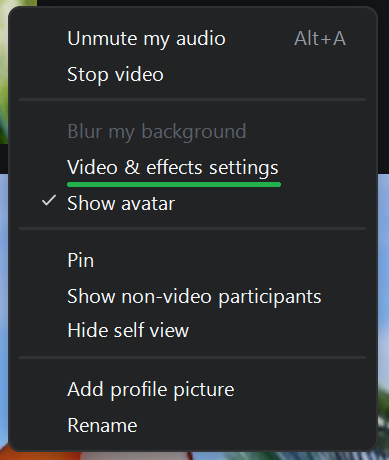
The Video & effects settings option will open a new menu along the right-hand side of the screen.
You can navigate to the different sections of the menu by using the tab headings under your video preview.
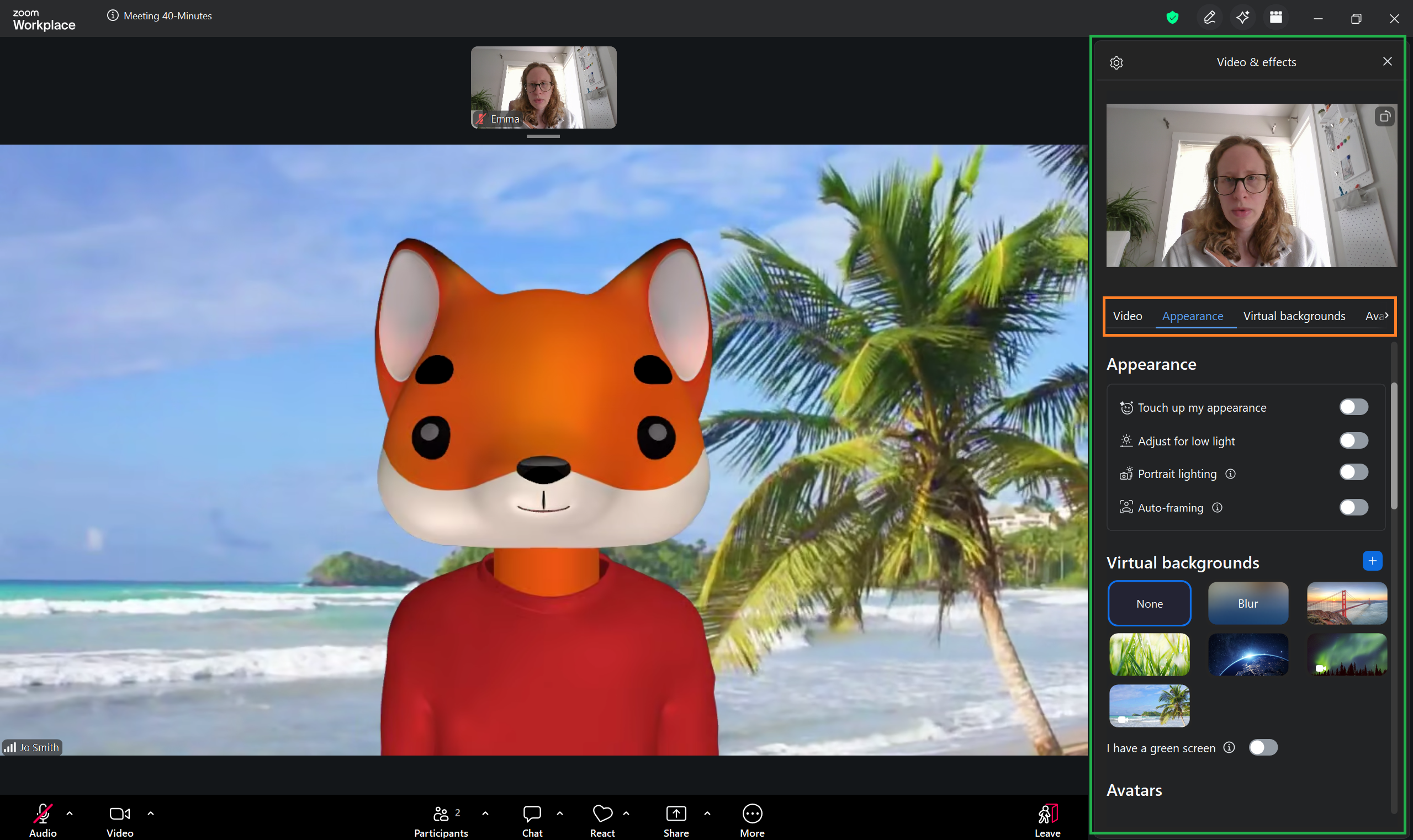
See the next few lessons for more details about each section of the menu.