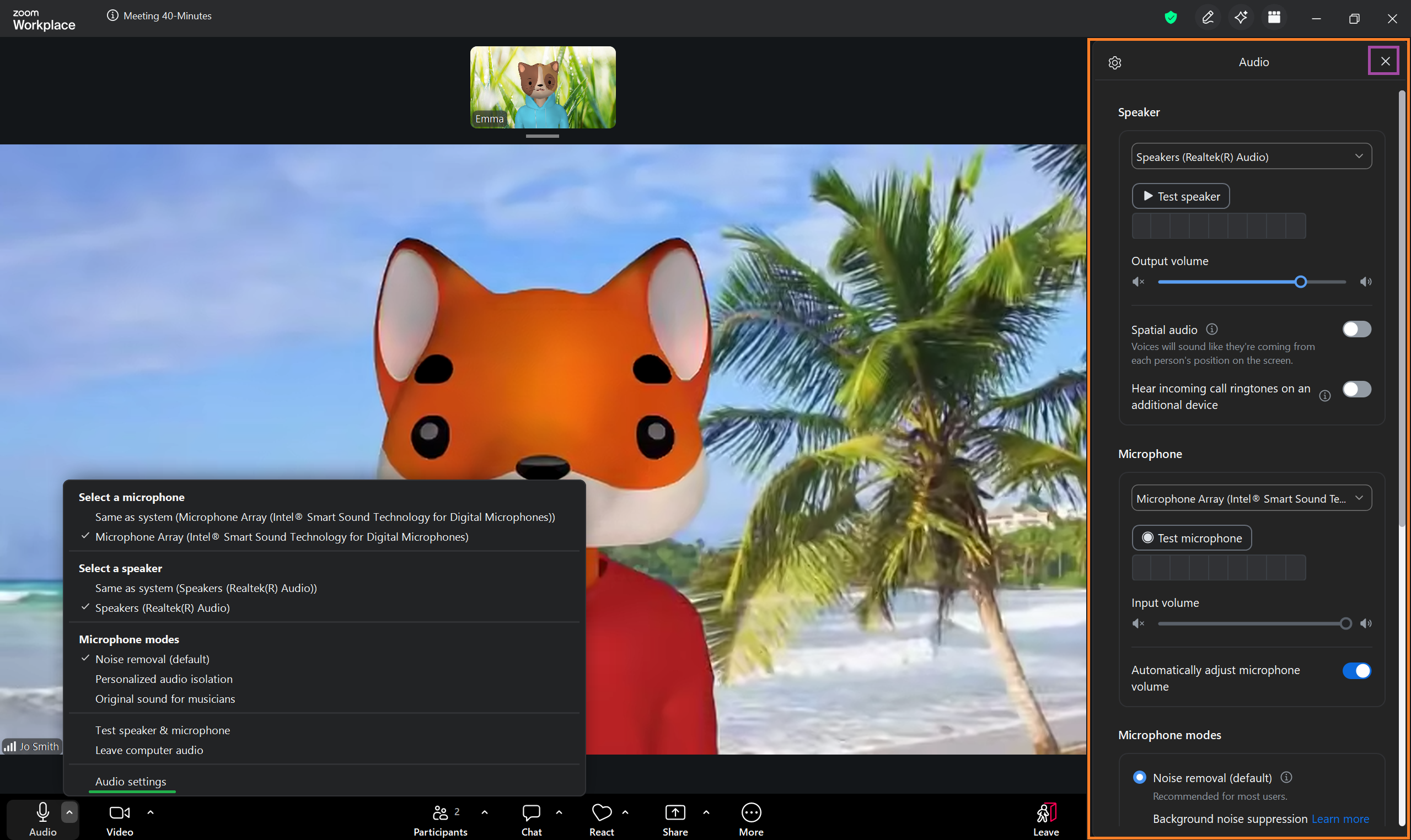
At the far left of the Zoom Meeting Controls toolbar is the Mute / Unmute Audio button.

Clicking on the icon toggles your audio between muted and unmuted.
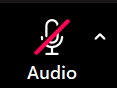 If the microphone icon has a red line through it, you are currently muted and other participants cannot hear you. | 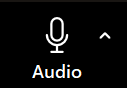 If the button does not have a red line through it, you are currently unmuted and other participants can hear audio from your microphone. |
If you attempt to speak while muted, Zoom will display a reminder notification in the main meeting window.
Clicking the small arrow to the right of the microphone icon opens up an audio menu.
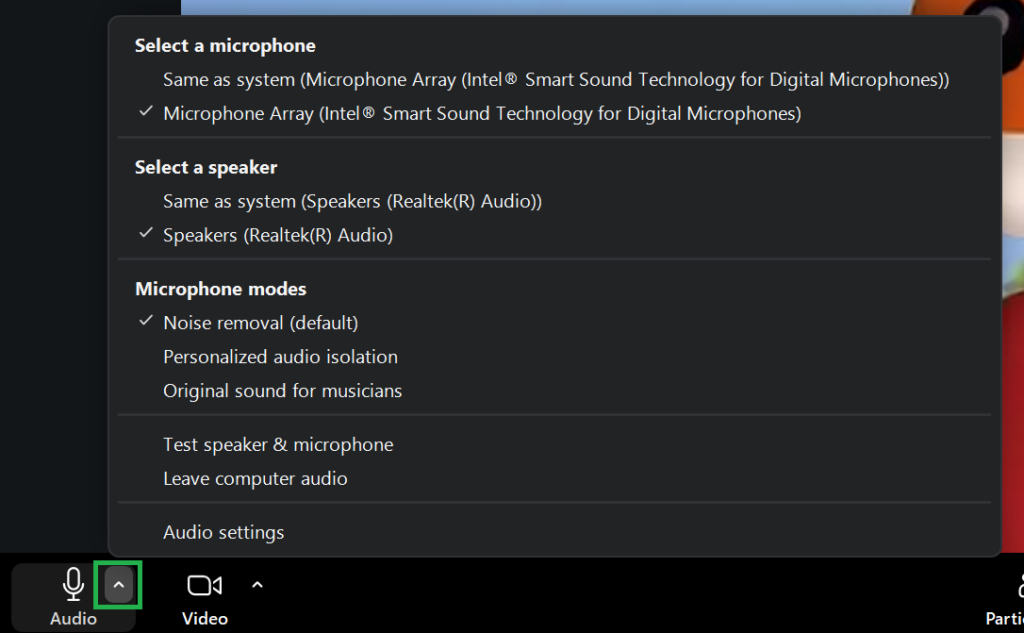
Clicking on Audio settings opens up a further audio menu on the right of the screen.
Click the X in the top right corner of the menu to close it.