
The Zoom Meeting Controls Toolbar (also called the Menu Bar) appears along the bottom of the Zoom meeting window:
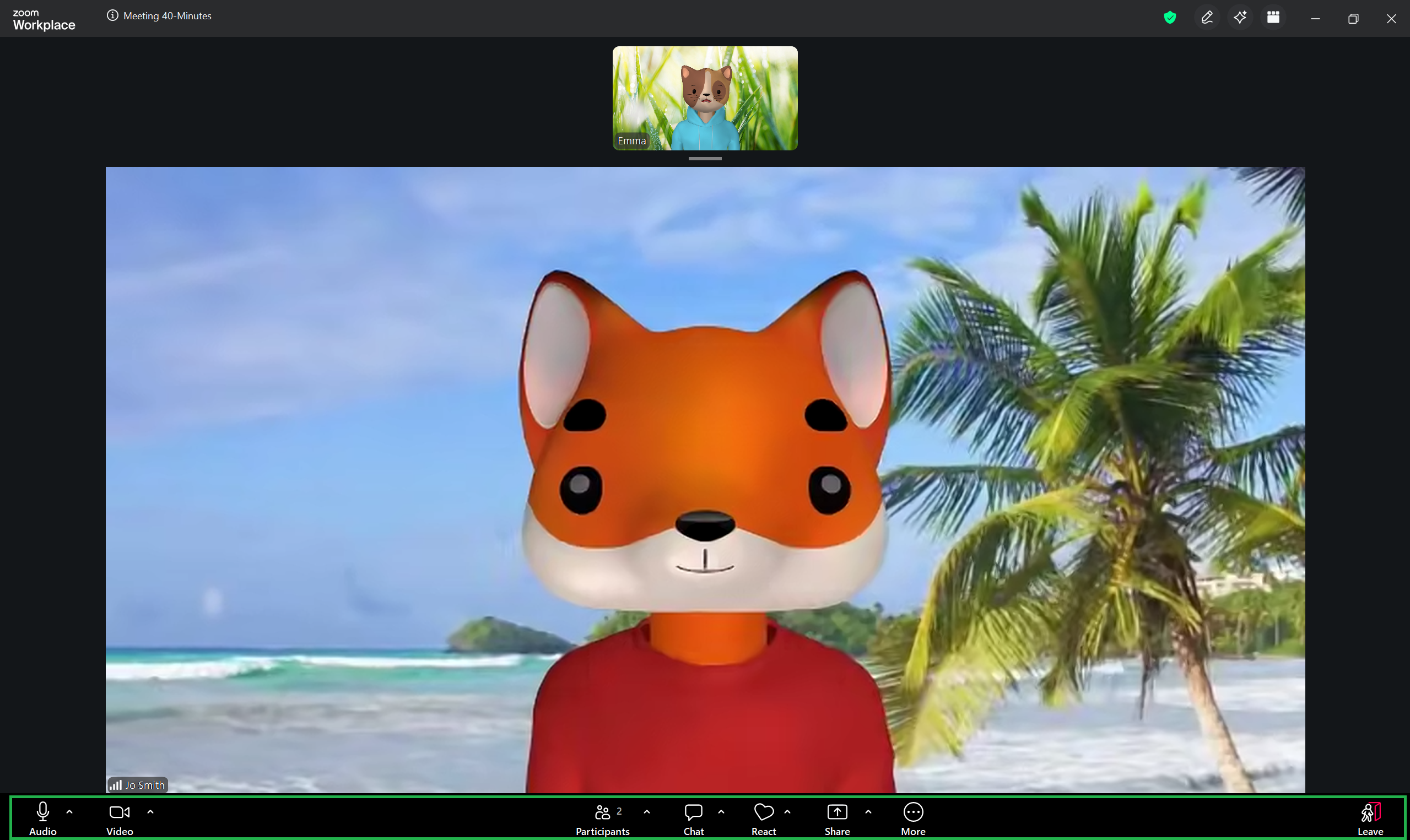
The icons and options available in the menu bar, as well as their order, may vary depending on the type of meeting, meeting settings, your toolbar configuration, and type of Zoom account you are using.
The following lessons are based on a free Zoom account using standard meeting settings. This is the toolbar configuration used as a reference throughout this section:
